
Open Gym · $60 / month
Getting started
For Open Gym members. This is the GymMaster member app, the hours, and the front door. It is not Programming or Personal Training.
- Step 01
Download the GymMaster member app
Download the GymMaster member app. It is a different app from FLEX. FLEX is for programming. It will not open the front door.
App Store and Google Play links for the GymMaster member app are not on this page yet.
- Step 02
Log in with the same email
Log in with the exact email address you used when you signed up.
- Step 03
Set your password
The first time you log in, tap Forgot password. Follow the email, set your password, then log in with it.
- Step 04
Know when you can come in
Once your paperwork and payment are complete, you can use the gym during these hours.
- Monday–Thursday
- 5–11 AM & 3–7 PM
- Friday
- 5–11 AM & 3–6 PM
- Saturday
- 6–11 AM
- Sunday
- Closed
Walkthroughs are by appointment.
- Step 05
Find the gym
1549 Old Bridge Rd, Suite B 101, Woodbridge, VA 22192
Look for the gold sign. The gym is Suite B 101, downstairs.
Free parking is in front of the building.
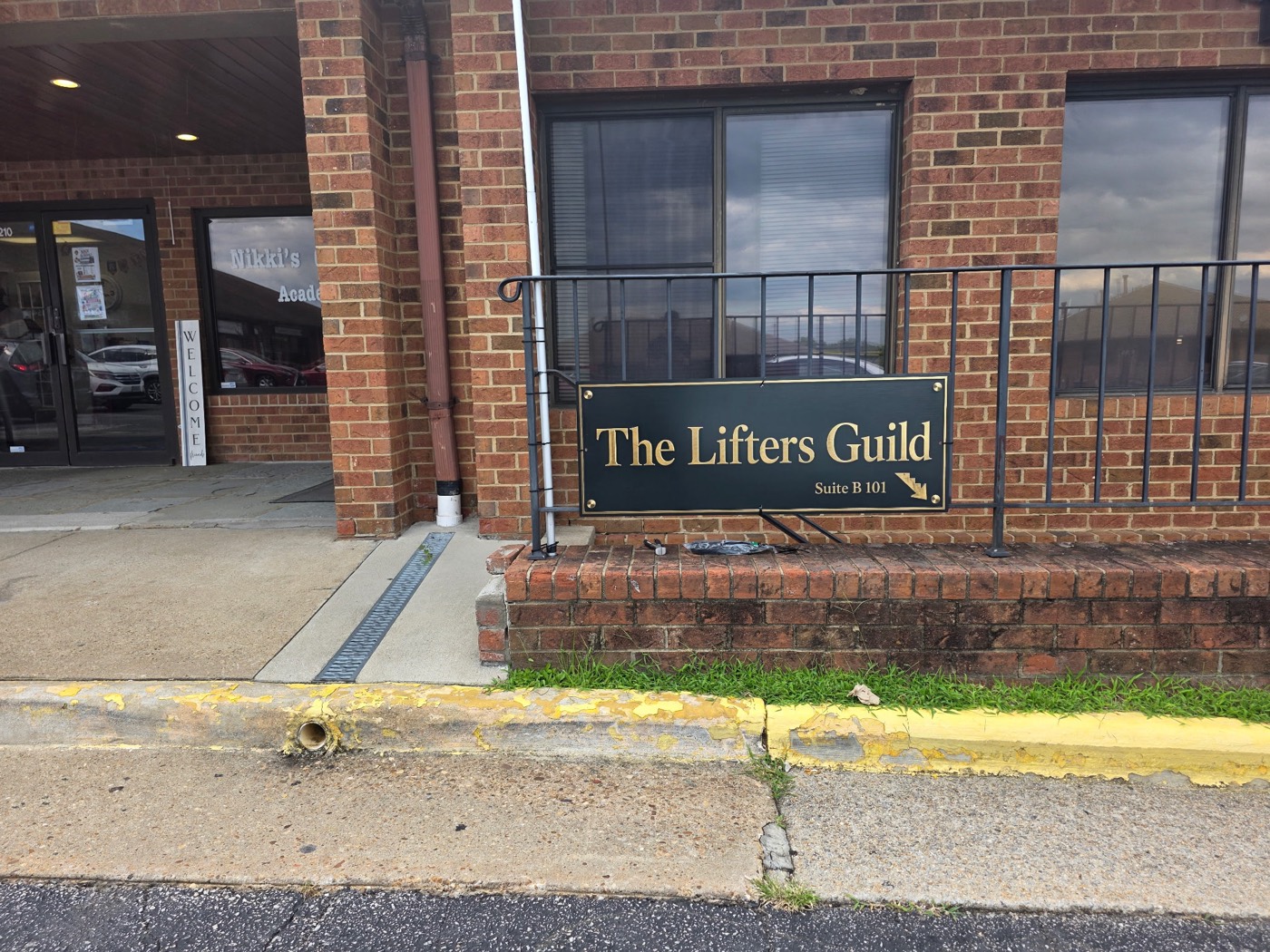
The gold sign. A separate photo of the front entrance is not on this page yet. - Step 06
Get in the door
Use the front entrance. Open the GymMaster app and scan the QR code at the door. The door unlocks when your paperwork and payment are current.
Or tap Check In in the app when you are near the door. Bluetooth check-in works on the front door reader.
- Step 07
Read the Open Gym rules
The Open Gym rules are not on this page yet. They will be listed here, with a PDF download, when that sheet is added.
Want to see the floor first?
Book a walkthrough. The visit is separate from this page.
Book a Walkthrough